
In 2025, unmanaged printing is a hidden drain on resources and a significant security risk for small to mid-sized businesses (SMBs) and regulated organizations. From wasted paper and toner to unsecured documents left on printer trays, the costs and compliance gaps add up quickly. Effective printer management is no longer a luxury; it's a core component of a secure and efficient IT strategy, especially for businesses in San Antonio dealing with stringent compliance requirements like HIPAA or CMMC.
This guide dives deep into the best printer management software solutions available, moving beyond simple device monitoring. We will explore tools that provide granular control over usage, enforce security policies with features like secure print release, and automate tedious administrative tasks. The goal is to help you turn your print infrastructure from a cost center into a streamlined, secure asset. Effective printer management is a critical component of broader organizational strategies, often aligning with the goals of dedicated resource planning software by ensuring all company assets are optimized and tracked.
Below, you will find a comprehensive breakdown of top-tier platforms, including PaperCut, Vasion, uniFLOW, and more. We analyze each solution's real-world applications, security features, deployment models, and limitations. Each entry includes direct links and screenshots to help you find the perfect fit to control costs and bolster your compliance posture, whether you're a healthcare practice, a financial firm, or a multi-location company.
1. Managed Print Services by Defend IT Services: The All-in-One Solution
For organizations seeking a comprehensive, service-driven approach rather than just a standalone software tool, Managed Print Services (MPS) from Defend IT Services represents a powerful and strategic choice. This solution stands out by bundling advanced printer management software with proactive maintenance, automated supply replenishment, and expert IT support. It reframes print management from a purely technical task into a strategic business function focused on cost reduction, security, and operational efficiency, making it one of the best printer management software solutions available.
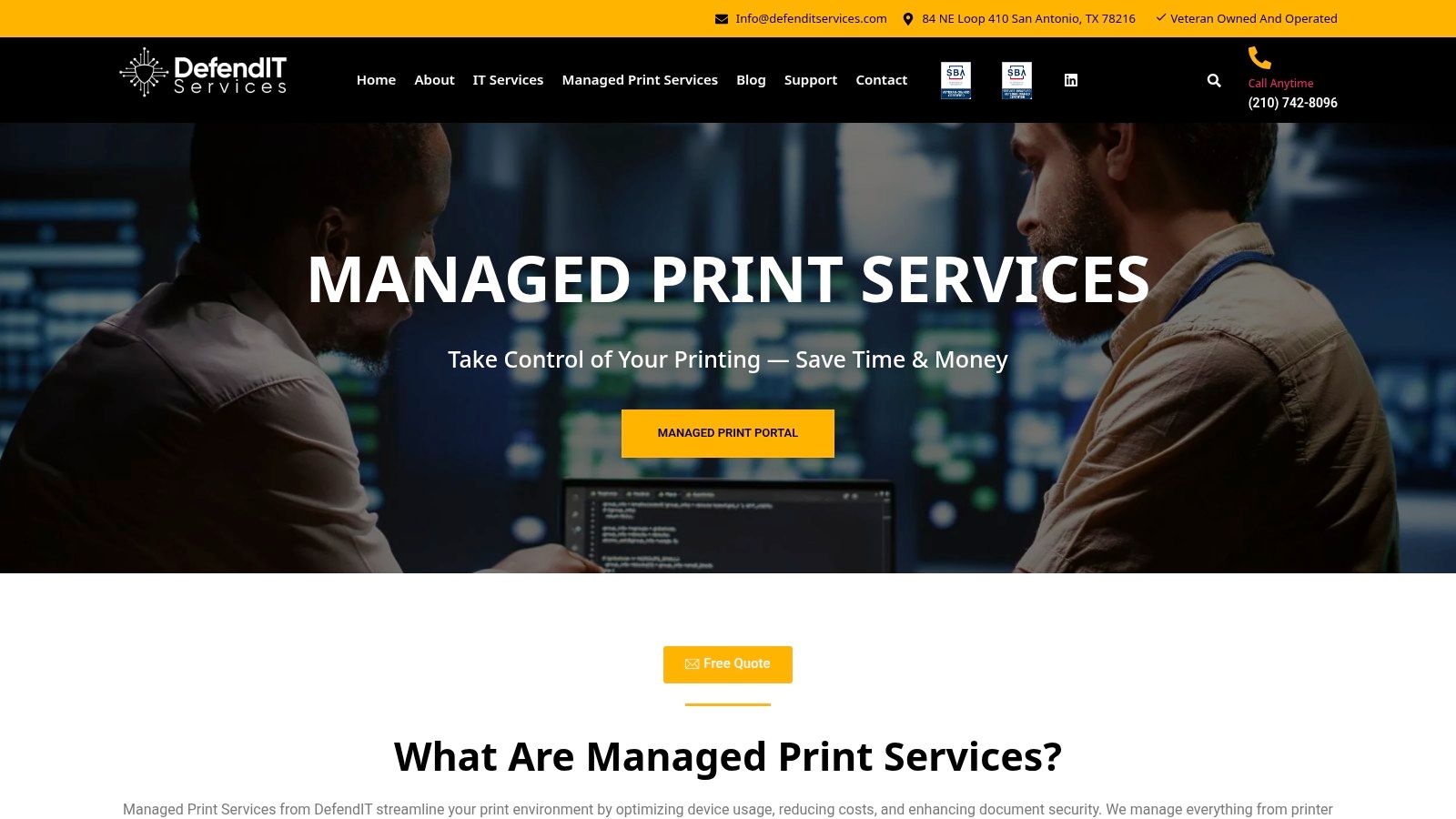
Unlike off-the-shelf software, Defend IT’s service provides a fully managed ecosystem. The platform gives you centralized visibility into your entire print fleet, enabling real-time monitoring of usage, toner levels, and device health through an intuitive customer portal. This data-driven approach allows for the creation and enforcement of granular print rules, such as restricting color printing or mandating duplexing, which directly translates into measurable cost savings and reduced waste.
Key Strengths and Use Cases
The service's primary strength lies in its holistic, hands-on model. The Defend IT team handles implementation, from initial assessment to deploying secure print release features that protect sensitive documents and support compliance mandates like HIPAA. A common use case involves a medical practice needing to prevent unauthorized access to patient records left on a printer tray. With secure print release, users must authenticate at the device before their documents are printed, ensuring confidentiality.
Another significant advantage is the integration with broader IT and cybersecurity services. For businesses in regulated industries, this alignment is critical. Defend IT’s expertise ensures the print environment is not a security blind spot, a vital consideration for any modern business. To explore this further, read more about managed IT and cybersecurity services on defenditservices.com. This integrated approach simplifies vendor management and creates a cohesive security posture across the entire organization.
Strategic and Financial Benefits
- Cost & Waste Reduction: Enforceable print rules and usage tracking lead to significant cuts in paper and toner consumption.
- Enhanced Security: Secure print release and management by a cybersecurity-focused team mitigate data breach risks.
- Improved Uptime: Proactive maintenance and automated supply fulfillment minimize downtime and administrative burdens.
- Capital Expense Savings: Unique offers, including free copiers under a service agreement, eliminate large upfront hardware costs.
While adopting an MPS model requires a strategic shift and some change management, the long-term benefits in cost savings, productivity, and security are substantial. Pricing is typically customized based on print volume and service level, requiring a consultation to determine the exact terms.
Visit Defend IT Services Managed Print Services
2. PaperCut
PaperCut is a veteran in the print management space, offering a suite of solutions (NG, MF, Hive, and Pocket) that cater to virtually any organizational size, from a five-person office to a multi-campus university. Its core strength lies in its vendor-neutral approach, allowing businesses to manage a diverse fleet of printers from different manufacturers under a single, unified system. This flexibility makes it a top contender for the title of best printer management software.
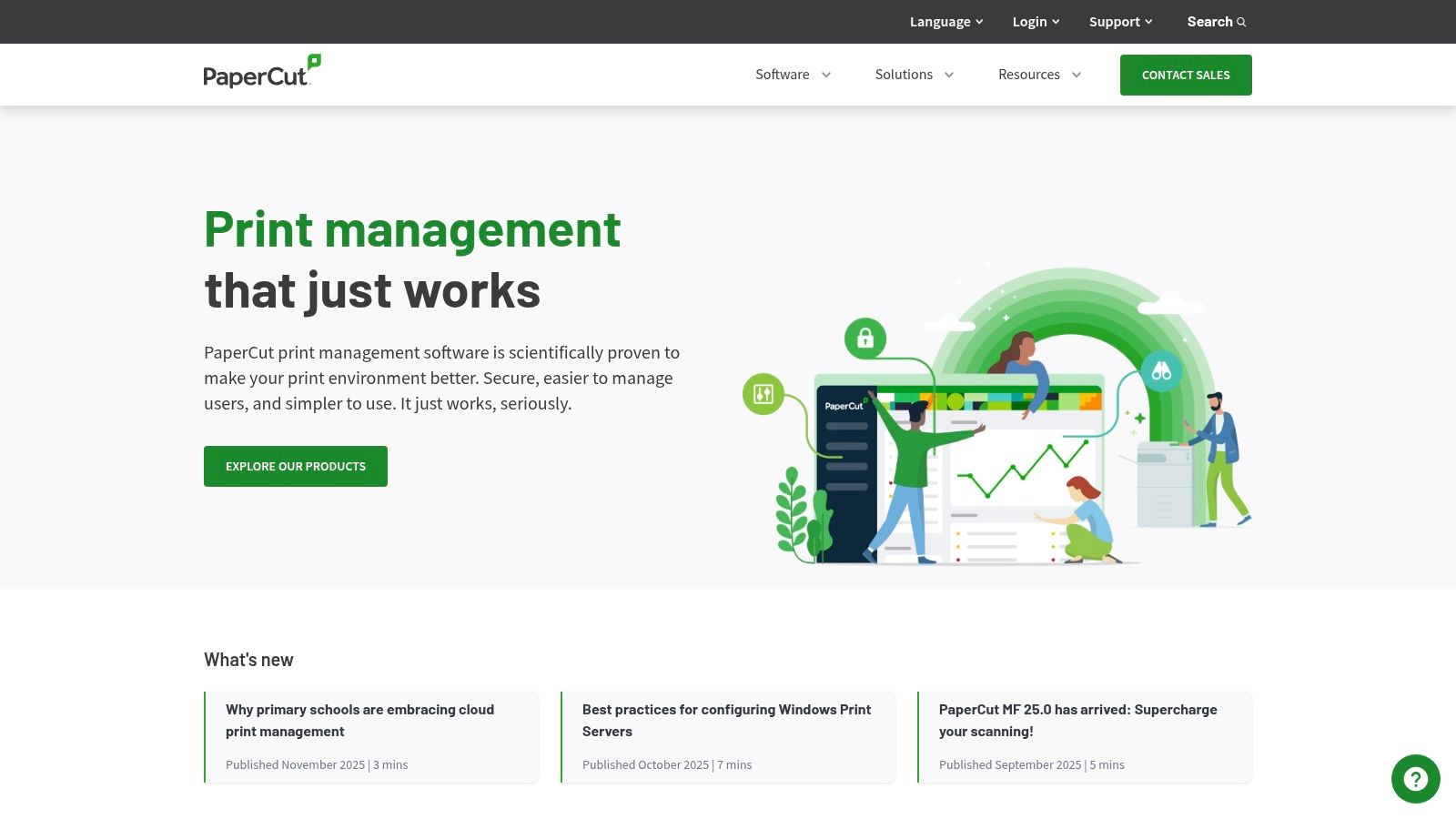
The platform provides granular control over printing activities, enabling administrators to set rules, quotas, and enforce cost-saving policies like mandatory duplex printing or converting color jobs to grayscale. For regulated industries like healthcare or finance, PaperCut MF's secure print release (often called "pull printing" or "Find-Me printing") is a critical feature. It holds documents on a server until the user authenticates at the device, preventing sensitive information from being left unattended in the output tray. This single feature dramatically enhances document security and supports compliance frameworks like HIPAA.
Key Features & Use Cases
| Feature | Best For… | Real-World Use Case |
|---|---|---|
| Secure Print Release | HIPAA/FINRA Compliance | A law firm prevents confidential client documents from being seen by unauthorized staff by requiring a PIN or badge swipe at the printer to release a print job. |
| Rules-Based Printing | Cost Reduction | A school automatically redirects large print jobs from expensive desktop printers to a high-volume central copier, suggesting duplex printing to save paper. |
| Mobility Print & BYOD | Hybrid Workforces | Employees and guests can easily print from their laptops, Chromebooks, and mobile devices without needing IT to install drivers or configure settings. |
| Detailed Reporting | Budgeting & Auditing | An SMB finance manager tracks printing costs by department, user, or client code, using the data to accurately bill clients for printing expenses. |
Pricing & Implementation
One of PaperCut's standout qualities is its transparent pricing model for PaperCut NG, with costs listed directly on its website and a free license available for sites with five users or fewer. The more feature-rich PaperCut MF, which integrates directly with multifunction devices for functions like secure copy and scan, is sold through a reseller channel, so pricing requires a custom quote.
Implementation is straightforward for the NG version, but unlocking the full potential of MF often benefits from partner expertise. Given that printers are network endpoints, securing them is paramount; you can learn more about the importance of cybersecurity for your business and how tools like PaperCut contribute to a stronger defense.
- Pros: Transparent pricing for NG, powerful rule engine, extensive device support, strong security features.
- Cons: MF pricing requires a quote, advanced MFD integrations may require specialist support.
3. CDW (marketplace for PaperCut Hive and other print management SKUs)
For businesses that prefer a streamlined procurement process, CDW offers a different approach to acquiring the best printer management software. Rather than acting as a software developer, CDW is a major Value-Added Reseller (VAR) where organizations can purchase licenses for solutions like PaperCut Hive directly through a familiar, enterprise-grade marketplace. This is particularly advantageous for companies that need to consolidate their IT purchasing, bundling software subscriptions with hardware like printers and supplies into a single purchase order.
The primary benefit of using a channel like CDW is its transactional efficiency. Finance and procurement teams can leverage existing accounts, utilize established payment terms, and navigate a standard e-commerce workflow to buy what they need. CDW provides clear, real-time pricing for specific SKUs, removing the ambiguity of quote-based systems for cloud-native products like PaperCut Hive. This makes it an excellent choice for organizations that have standardized their procurement on specific platforms and value speed and transparency in purchasing.
Key Features & Use Cases
| Feature | Best For… | Real-World Use Case |
|---|---|---|
| Direct SKU Purchase | Fast Procurement | An IT manager needs to deploy PaperCut Hive for 50 users and buys the annual subscription directly from the CDW site with a corporate credit card, receiving the license instantly. |
| Consolidated Ordering | Hardware Refreshes | A company purchases 10 new multifunction printers and includes the corresponding PaperCut Hive licenses in the same order, simplifying asset management and invoicing. |
| PO & Finance Workflows | Enterprise Accounting | A large school district's finance department issues a purchase order through their established CDW account to acquire software, adhering to internal procurement policies. |
| Real-Time Pricing | Budgeting & Planning | A small business owner compares the transparent, per-user cost of PaperCut Hive on CDW to plan their IT budget for the upcoming fiscal year without waiting for a custom quote. |
Pricing & Implementation
Pricing on CDW is displayed upfront for the specific software SKUs it carries, such as annual subscriptions for PaperCut Hive based on user counts. This transparency is a major draw. However, the selection is curated, meaning not all versions or editions of a particular software, like the more complex PaperCut MF, will be available for direct online purchase and may still require consultation with a specialized reseller.
Implementation of software purchased through CDW is typically a self-service or partner-led activity. The platform facilitates the transaction, but the end-user is responsible for the actual deployment. For businesses that need hands-on support, combining a CDW purchase with a partner like Defend IT Services for implementation and ongoing management creates a powerful, end-to-end solution.
- Pros: Transparent list pricing on specific SKUs, simplifies procurement, allows for bundled hardware and software purchases.
- Cons: Limited selection of available editions, more complex solutions like PaperCut MF are not available for direct purchase.
4. Vasion Print (formerly PrinterLogic)
Vasion Print, widely known by its former name PrinterLogic, carves out a unique niche in the market by focusing on eliminating print servers entirely. Its serverless printing infrastructure simplifies IT administration by centralizing driver management and deployment from a single web-based console. This approach significantly reduces the overhead and single point of failure associated with traditional, on-premise print servers, making it a powerful contender for the best printer management software.
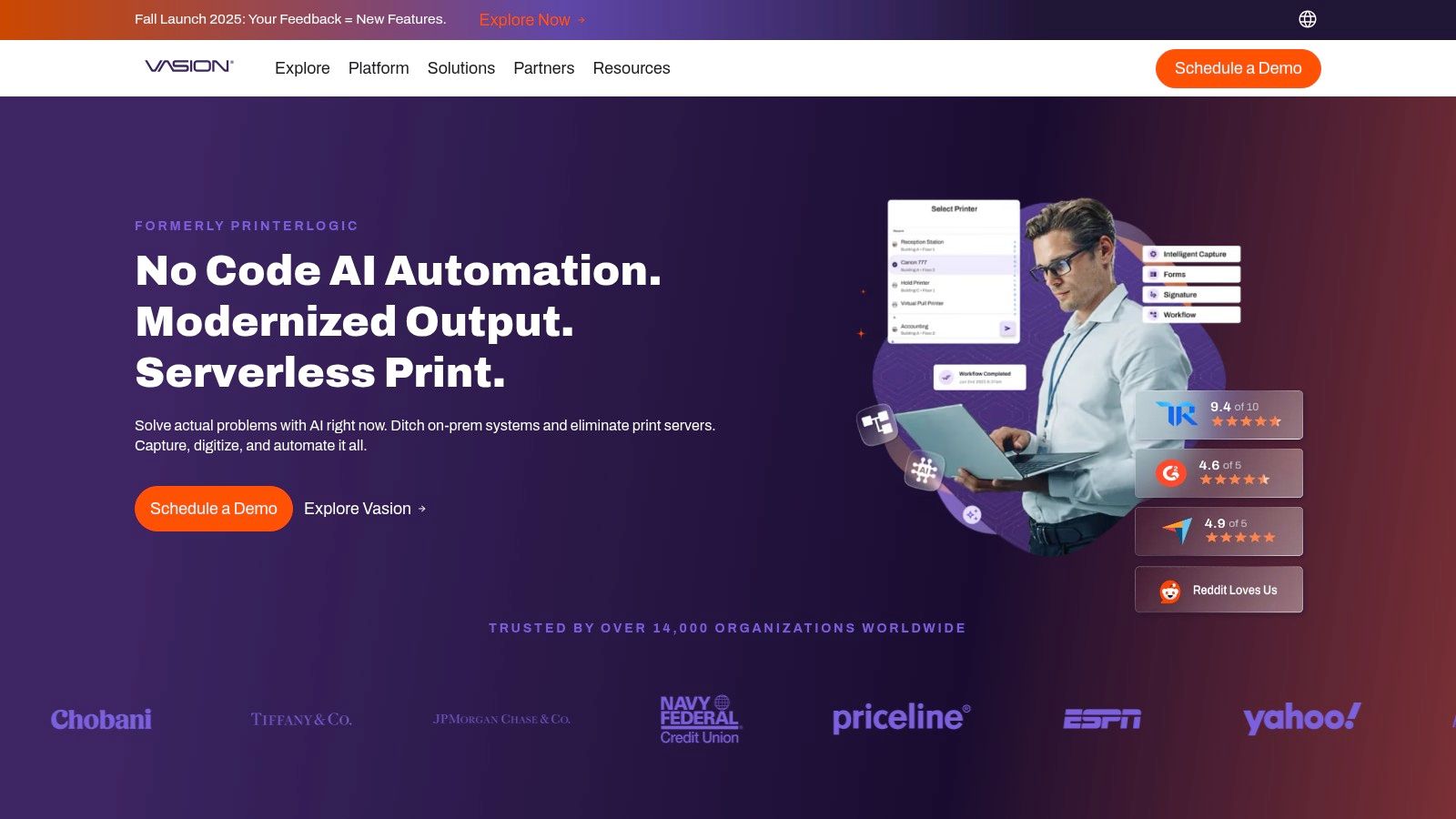
The platform empowers end-users with a self-service installation portal, allowing them to locate and install printers on a floor plan map without creating a help desk ticket. For organizations leveraging modern identity providers, Vasion's direct integrations with Okta and Azure AD streamline user authentication for secure pull printing. This serverless model is particularly beneficial for businesses with multiple locations or a distributed workforce, as it ensures consistent and reliable printing regardless of where users are located, all without relying on complex VPNs for print traffic.
Key Features & Use Cases
| Feature | Best For… | Real-World Use Case |
|---|---|---|
| Serverless Printing | IT Simplification | A growing company with multiple branch offices eliminates all its dedicated print servers, managing drivers and deployments for every location from one central cloud console. |
| Self-Service Portal | Reducing Help Desk Burden | An employee moving to a new desk uses a floor plan map in the Vasion portal to find the nearest printer and install it with a single click, no IT intervention needed. |
| Centralized Driver Mgt. | Fleet Consistency | An IT admin updates the driver for a specific printer model, and the change is automatically pushed to all users who have that printer installed, ensuring consistency. |
| Secure Release Printing | Data Confidentiality | A financial services firm requires employees to authenticate with their company badge or mobile app at the printer, ensuring sensitive client reports are not left unattended. |
Pricing & Implementation
Vasion Print is sold both directly and through partner channels, including the AWS Marketplace, which provides flexibility in procurement. The company does not publish list pricing on its website, so costs typically require a custom quote based on the number of printers and desired features. However, marketplace listings and reviews often provide indicative pricing tiers.
Implementation is centered on deploying a small client to workstations, which then handles direct IP printing to the devices. This architecture is robust and minimizes network traffic, but the initial setup and driver management require careful planning. A free trial is available, allowing organizations to test the serverless environment before committing.
- Pros: Eliminates print servers, reduces IT help desk tickets, easy for end-users, strong identity provider integrations.
- Cons: Official pricing is not public, requires a client installation on endpoints.
5. Microsoft Universal Print
For organizations deeply embedded in the Microsoft ecosystem, Universal Print offers a compelling, cloud-native solution to modernize print infrastructure. It eliminates the need for on-premises print servers by integrating directly with Microsoft 365 and Entra ID (formerly Azure Active Directory), centralizing control within the familiar Azure portal. This serverless approach simplifies administration, reduces hardware dependency, and is a strong contender for the best printer management software for Microsoft-centric businesses.
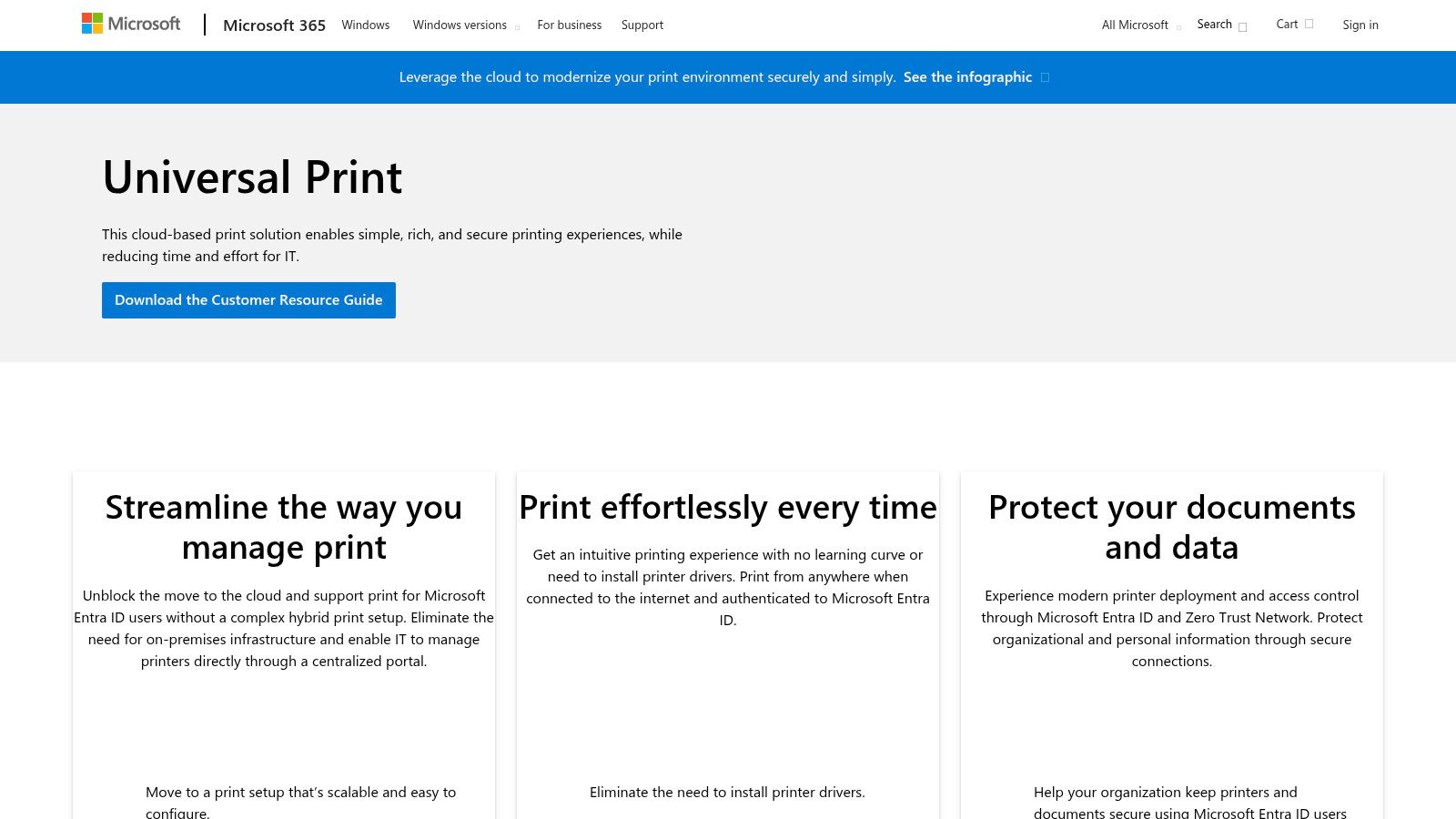
The platform is designed for a zero-trust security environment, leveraging Entra ID for user authentication and ensuring print data is transmitted securely. Administrators can deploy printers to user groups, set default printing preferences, and manage the entire fleet without VPNs or complex driver installations on client devices. This integration simplifies the user experience, allowing employees to easily discover and print to nearby devices from any Windows machine joined to the company's Entra ID.
Key Features & Use Cases
| Feature | Best For… | Real-World Use Case |
|---|---|---|
| Entra ID Integration | Zero-Trust Security Models | A financial services firm secures its printing by requiring Entra ID authentication, ensuring only authorized, identity-verified users can access printers. |
| Serverless Management | IT Cost & Footprint Reduction | An SMB migrates its print infrastructure to the cloud, decommissioning its old on-prem print server to save on maintenance and hardware costs. |
| Secure Release | Hybrid & Shared Workspaces | An employee sends a sensitive HR document to print and retrieves it later by authenticating at the printer, preventing it from being seen by others. |
| Centralized Reporting | Usage Monitoring & Budgeting | An IT manager uses the Azure portal to track print volume by user and department, identifying opportunities to optimize device placement and reduce waste. |
Pricing & Implementation
A key advantage of Universal Print is that it is often included with common Microsoft 365 and Windows 10/11 Enterprise subscriptions (like Business Premium, E3, and E5). These plans include a pooled number of print jobs per user per month. For higher volume needs, Microsoft offers add-on job packs with clear, published pricing.
Implementation is most seamless in environments already using Microsoft 365 and Entra ID. Success hinges on having printers that are Universal Print-ready or using a connector for legacy devices. Partnering with an IT provider can streamline this process, as they can ensure your Microsoft environment is secure and optimized for services like Universal Print.
- Pros: Eliminates on-prem print servers, strong security via Entra ID, often included in existing M365 licenses.
- Cons: Best suited for Microsoft-heavy environments, device compatibility varies by manufacturer.
6. uniFLOW Online (NT‑ware / Canon)
As the cloud-native solution from Canon-owned NT-ware, uniFLOW Online is purpose-built for modern workplaces, particularly those with a significant investment in Canon multifunction devices. It offers robust secure printing, mobile submission, and comprehensive scan workflows directly from the cloud, eliminating the need for on-premise servers. This deep integration with Canon hardware makes it a powerful contender for businesses seeking a streamlined, single-vendor print environment.
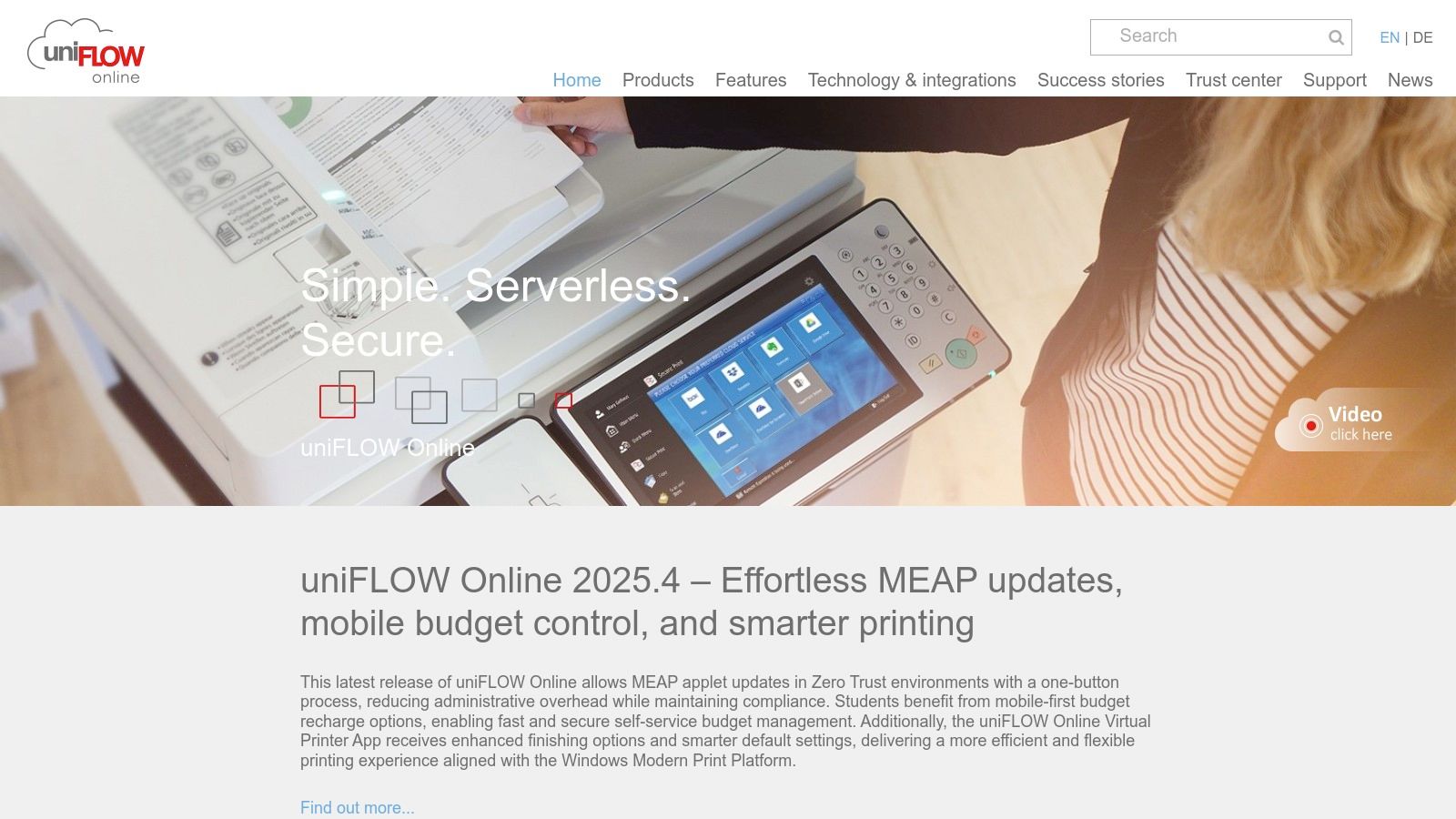
The platform excels at simplifying administration while enhancing security. Its "My Print Anywhere" feature functions as a secure print release queue, holding jobs until a user authenticates at any enabled printer in the organization, a crucial control for maintaining confidentiality. uniFLOW Online's multi-tenant architecture is also a key differentiator, allowing Managed Print Services providers to efficiently manage multiple client environments from a single dashboard, which translates into better, more responsive support for the end customer.
Key Features & Use Cases
| Feature | Best For… | Real-World Use Case |
|---|---|---|
| Cloud-Native Secure Print | Organizations Moving to Cloud | A financial services firm with multiple branches replaces its local print servers with uniFLOW Online, allowing employees to securely release print jobs at any office. |
| Deep Canon Integration | Canon-Heavy Fleets | A healthcare clinic uses the deep integration to create one-touch scan workflows on their Canon devices, sending patient records directly to a secure network folder. |
| Multi-Tenant Design | Managed Print Services (MPS) | An IT provider manages the print environments for dozens of SMB clients, applying security policies and monitoring usage from a centralized cloud portal. |
| Cost Control & Reporting | Budget Management | A marketing agency tracks printing costs by user and department, using detailed reports to analyze expenses and enforce printing budgets effectively. |
Pricing & Implementation
uniFLOW Online operates on a subscription model, typically priced per device, per month. However, there is no public list pricing; the software is sold exclusively through Canon and its authorized reseller channel. This means that obtaining a price quote requires direct engagement with a sales partner.
Implementation is handled by the reseller, which ensures that device integration and user setup are configured correctly, a benefit for organizations without dedicated IT staff. The reliance on a partner channel ensures expert deployment but also means you cannot purchase or implement the software on a self-serve basis.
- Pros: Excellent for Canon-centric fleets, strong cloud features, mature security and compliance capabilities, enterprise-grade support via channel partners.
- Cons: Pricing is not publicly available, requires purchase and implementation through Canon or a reseller, less ideal for highly mixed-vendor fleets.
7. Y Soft SAFEQ
Y Soft SAFEQ is a powerful print management platform designed for the modern enterprise, offering both a cloud-native SaaS solution (SAFEQ Cloud) and an on-premises version (SAFEQ 6). Its core strength lies in providing a unified, secure printing environment that can scale from a single office to a global, multi-vendor fleet. For businesses navigating a hybrid cloud strategy, SAFEQ’s flexibility to be deployed on-prem, in a private cloud, or as a true SaaS product makes it a standout choice among the best printer management software.
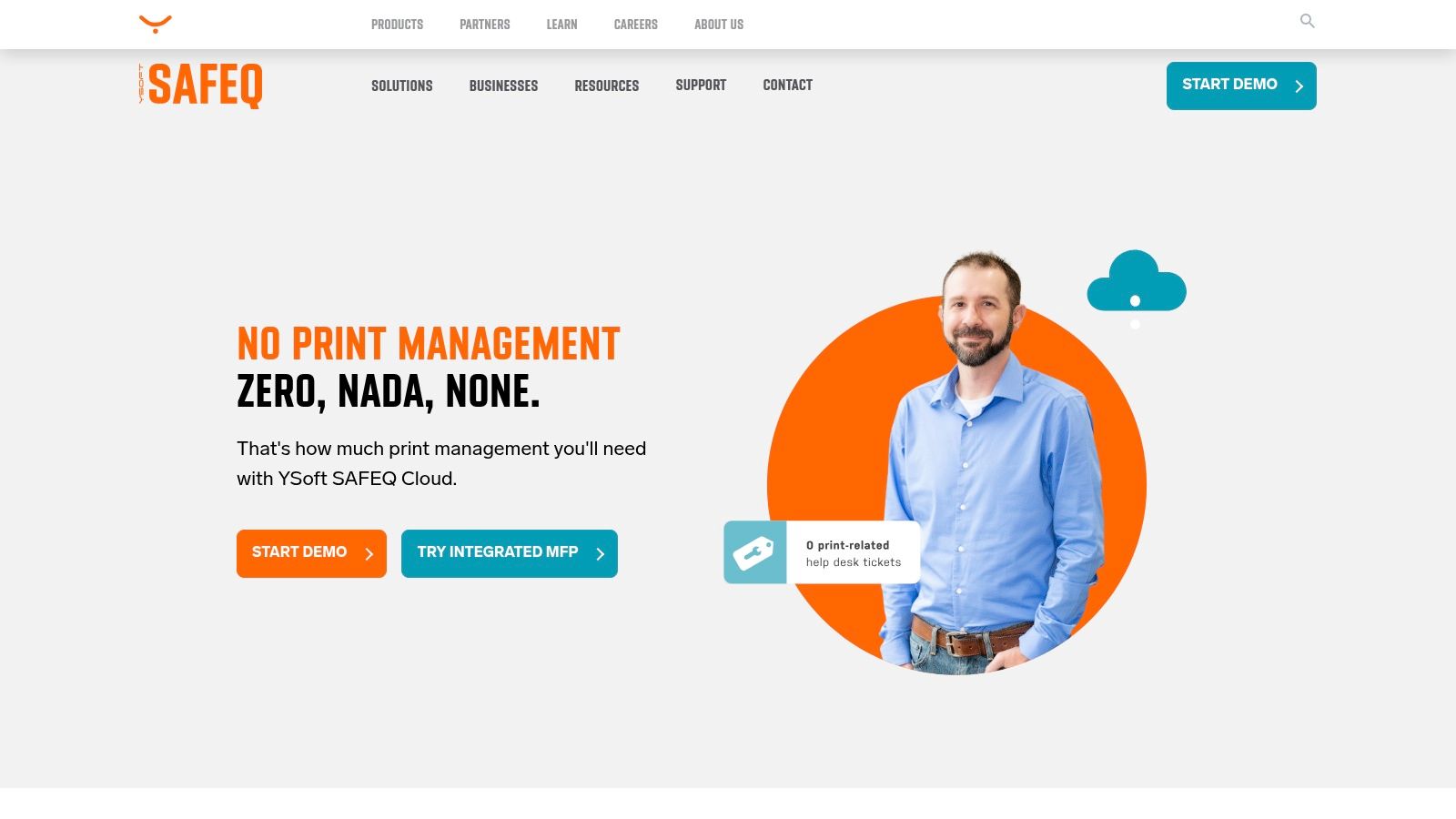
The platform focuses heavily on enterprise-grade security and operational efficiency. It provides robust features for secure print release, comprehensive usage tracking for accurate cost allocation, and rule-based printing to enforce cost-saving policies. Y Soft emphasizes a resilient architecture, ensuring high availability and business continuity, which is critical for organizations where printing is an essential part of the workflow. The flexible subscription and billing models are particularly attractive to businesses looking for predictable, operational expenses rather than large capital outlays.
Key Features & Use Cases
| Feature | Best For… | Real-World Use Case |
|---|---|---|
| Cloud & On-Prem Options | Hybrid Cloud Strategies | A growing financial firm uses SAFEQ 6 for its on-prem data center while deploying SAFEQ Cloud for its new, remote branches, managing everything under one system. |
| Secure Pull Printing | Data Security & Compliance | A healthcare provider ensures HIPAA compliance by requiring staff to authenticate with an ID badge at the printer, securing patient health information. |
| Accounting & Analytics | Budget Control | A university uses SAFEQ to track and charge back printing costs to different academic departments, providing detailed reports for budget planning. |
| Flexible Billing Models | Operational Expenditures (OpEx) | An SMB opts for a per-user monthly subscription, avoiding a large upfront investment and scaling its costs predictably as the company grows. |
Pricing & Implementation
Y Soft SAFEQ’s pricing is not publicly listed and requires a custom quote, as it is tailored to specific organizational needs, device counts, and deployment models. The solution is typically sold through Y Soft or its network of certified channel partners, who often assist with discovery, implementation, and ongoing support.
This partner-led approach ensures that the deployment is optimized for your specific IT infrastructure and security requirements. For organizations focused on compliance, SAFEQ's strong security posture, including various certifications, provides an essential layer of protection for the print environment.
- Pros: Strong security posture with compliance certifications, both cloud and on-prem options allow hybrid deployments, flexible subscription models.
- Cons: Pricing not publicly listed; requires demo/quote, purchase and deployment typically involve Y Soft or channel partners.
8. Pharos
Pharos specializes in enterprise-grade print management solutions, offering cloud-native (Pharos Cloud) and on-premises (Blueprint Enterprise) options designed for scalability and security. The platform's core strength is simplifying complex print environments, particularly for large organizations and educational institutions. Its cloud solution enables direct, serverless printing from any device or network, eliminating the need for VPNs and reducing infrastructure overhead, a key factor for businesses seeking the best printer management software.
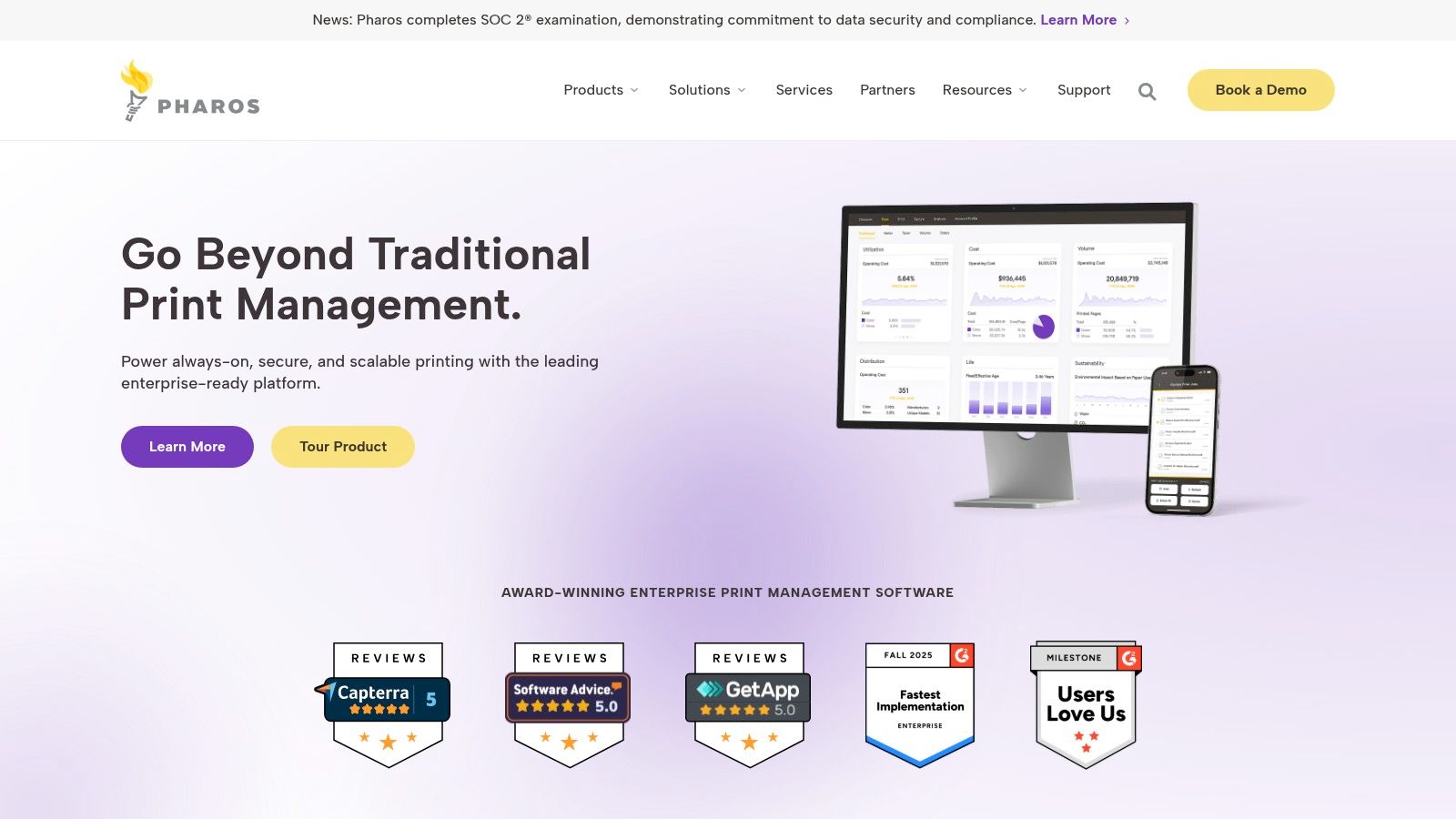
Security is central to the Pharos ecosystem, with a strong emphasis on secure print release that ensures documents are only printed when the user is physically at the device to authenticate. This feature is crucial for maintaining confidentiality in sensitive settings like corporate legal departments or university administrative offices. Furthermore, its comprehensive analytics provide deep visibility into print behavior, helping administrators identify waste, enforce cost-saving policies, and demonstrate a clear return on investment.
Key Features & Use Cases
| Feature | Best For… | Real-World Use Case |
|---|---|---|
| Cloud Direct Printing | Large Distributed Enterprises | A global corporation eliminates print servers at its branch offices, allowing employees to print securely from any location without VPN, reducing IT management costs. |
| Comprehensive Analytics | Budget & Sustainability Goals | A university uses detailed print analytics to track usage by department, promoting responsible printing and supporting its campus-wide green initiatives. |
| Secure Release | Protecting Sensitive Information | A research and development firm requires all print jobs to be held until an employee authenticates via ID card, preventing proprietary designs from being left unattended. |
| Policy-Based Rules | Cost Control & Optimization | An accounting firm sets a rule to automatically convert large email print jobs to black and white and duplex, significantly cutting down on expensive color ink and paper usage. |
Pricing & Implementation
Pharos does not provide public pricing on its website; its solutions are sold through a sales-assisted model that typically involves consultation, demos, and a custom quote based on organizational needs. This approach is common for enterprise-level software where deployment complexity and scale vary significantly.
Implementation, especially for the cloud platform, is designed to be streamlined, but larger or more complex on-premises deployments benefit from engagement with Pharos partners. Its robust security posture, backed by ISO certifications, and high-availability architecture make it a trusted choice for organizations where uptime and data protection are non-negotiable.
- Pros: Powerful analytics for large fleets, strong cloud-native security, serverless printing architecture, proven scalability in enterprise and education.
- Cons: No public pricing requires a sales engagement, may be overly complex for very small businesses.
9. Printix (HP Printix / Kofax / Tungsten)
Printix offers a modern, cloud-native approach to print management that is especially appealing for small to mid-sized businesses and educational institutions. Its primary differentiator is a simple, user-based pricing model that eliminates the complexity of device or server-based licensing. This allows organizations to manage unlimited printers across any number of locations, making it highly scalable and predictable for budgeting purposes.
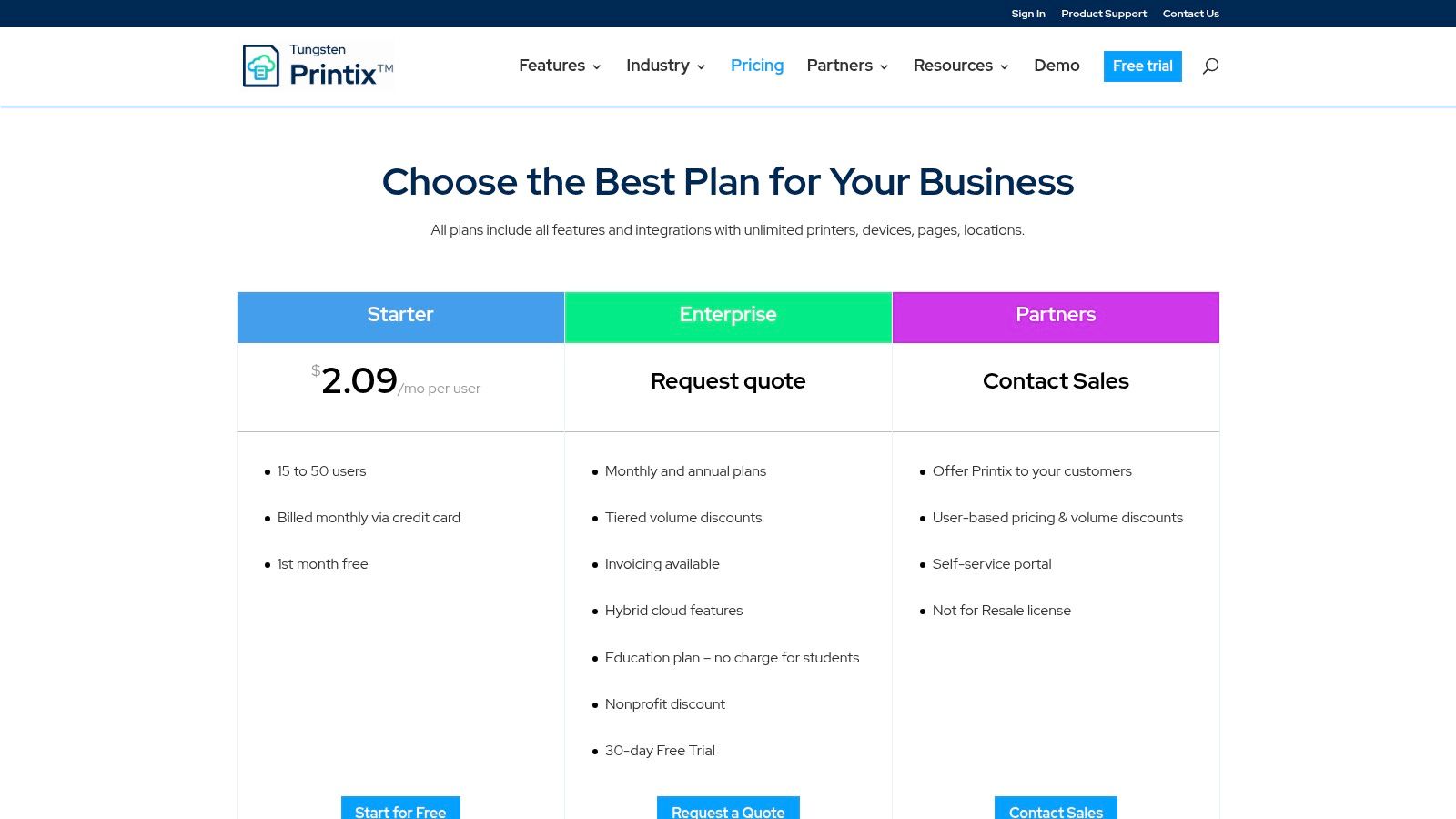
The platform is built for the modern workforce, seamlessly integrating with Microsoft Azure AD and Google Workspace for simplified user authentication and deployment. This cloud-first architecture removes the need for on-premise print servers, reducing hardware and maintenance overhead. For organizations that still have on-premise servers or require printing even when the internet is down, its hybrid capabilities provide crucial resilience, making it a flexible choice among the best printer management software solutions.
Key Features & Use Cases
| Feature | Best For… | Real-World Use Case |
|---|---|---|
| User-Based Pricing | Cost-Predictable Growth | An SMB with 50 employees can budget their exact print management costs per month, regardless of whether they add 10 new office printers. |
| Cloud-Native Platform | Reducing IT Overhead | A business migrates to the cloud, eliminating the need to maintain and secure a physical print server, deploying printers via Azure AD. |
| Hybrid Functionality | Business Continuity | A firm's internet connection goes down, but employees can still print to local office printers thanks to the hybrid setup. |
| Education Plans | K-12 and Higher Education | A university provides secure printing for 1,000 staff members, and its entire 15,000-student body gets print access at no extra user cost. |
Pricing & Implementation
Printix shines with its transparent and accessible pricing, listed directly on its website. Plans are billed on a simple per-user, per-month basis with options for annual discounts. A full-featured 30-day trial allows organizations to test the software thoroughly before committing, streamlining the procurement process.
Implementation is designed for self-service, with extensive documentation and integration guides for cloud identity providers. This fast trial-to-purchase path is ideal for SMBs with lean IT teams. While the standard plans cover most needs, very large enterprises with bespoke requirements may need to contact them for custom licensing terms.
- Pros: Transparent, low-entry pricing; cost scales by users, not devices; fast self-service trial and deployment.
- Cons: Advanced enterprise features or large-scale terms may require custom quotes and bespoke licensing.
10. Xerox Workplace Solutions (Cloud and Suite)
Xerox Workplace Solutions offers a powerful one-two punch with its Cloud (hosted on Azure) and on-premise Suite options, providing flexible deployment for modern businesses. While optimized for Xerox hardware, its strength lies in extending robust authentication, secure printing, and analytics to mixed-vendor fleets using the Xerox Global Print Driver. This makes it a formidable choice for organizations seeking enterprise-grade control with deployment flexibility.
The platform focuses on unifying the user experience across different devices and locations. Whether deployed on-premise for maximum data control or in the cloud for scalability and reduced IT overhead, it provides a central dashboard for monitoring usage and managing costs. Secure print release is a core component, allowing users to release jobs via mobile app or card swipe, which is essential for maintaining confidentiality in shared office spaces and supporting compliance.
Key Features & Use Cases
| Feature | Best For… | Real-World Use Case |
|---|---|---|
| Hybrid Deployment (Cloud/On-Prem) | Multi-Site Organizations | A company with a central headquarters and several smaller branch offices uses the on-premise Suite at HQ for data control and the Cloud version for remote offices to simplify IT management. |
| Secure Print Release | Data Confidentiality | A financial services firm ensures sensitive client reports are not left unattended by requiring employees to authenticate at the printer with an ID badge to release their documents. |
| Cross-Vendor Compatibility | Mixed Printer Fleets | An organization that has acquired other companies can manage its diverse fleet of Xerox, HP, and Brother printers under a single system using the Xerox Global Print Driver. |
| Centralized Analytics | Cost Allocation | A marketing agency tracks print jobs by client codes across all devices, enabling precise billing for project-related printing expenses and identifying cost-saving opportunities. |
Pricing & Implementation
Xerox Workplace Solutions does not offer public pricing; costs are determined through engagement with Xerox representatives or authorized partners. Licensing is managed via activation keys distributed through these channels, which allows for tailored solutions but requires a formal sales process.
Implementation is well-documented, with clear workflows for both on-premise installation and cloud tenant setup. Organizations with a significant investment in the Xerox ecosystem will find the integration seamless, while the global driver provides a viable path for unifying disparate hardware.
- Pros: Flexible cloud or on-premise deployment, production-grade support, strong in Xerox fleets while supporting other vendors.
- Cons: Pricing is not public and requires a sales quote, licensing is managed through partner channels.
11. Tungsten Equitrac (formerly Kofax Equitrac)
Tungsten Equitrac, formerly part of Kofax, is an enterprise-grade print management solution with a deep heritage in cost accounting and chargeback capabilities. Its primary strength is providing organizations, especially professional services firms, with the tools to precisely track, allocate, and recover printing costs associated with specific clients, projects, or departments. This makes it a formidable choice for businesses where print is a direct, billable expense.
Beyond cost recovery, Equitrac offers robust security features essential for compliance-driven environments. Its secure "print-to-me" functionality ensures documents are only released when the user authenticates at the MFD, creating a clear audit trail and preventing unauthorized access to sensitive information. As part of the larger Tungsten Automation portfolio, it can be integrated into broader workplace automation and document capture workflows, offering a scalable path for growing organizations. This focus on financial accountability makes it a specialized contender for the best printer management software.
Key Features & Use Cases
| Feature | Best For… | Real-World Use Case |
|---|---|---|
| Cost Recovery & Allocation | Legal, Accounting & Architecture Firms | An engineering firm accurately bills clients for all printed blueprints and project documents by requiring users to assign each print job to a specific client matter code. |
| Secure Authentication | Government & Corporate Security | A financial institution enforces a badge-swipe authentication policy at every printer, ensuring that confidential reports are never left exposed in output trays. |
| Detailed Audit Trails | Compliance & Internal Audits | An HR department generates a report to verify who printed a sensitive employee document and when, providing a clear chain of custody for compliance checks. |
| Scalable Administration | Large Enterprise Fleets | A national corporation with dozens of offices manages its entire printer fleet, user policies, and reporting from a single, centralized web-based administrative console. |
Pricing & Implementation
Tungsten Equitrac's pricing is not publicly available and is sold through Tungsten's direct sales teams and its extensive network of partners. This model typically involves a custom quote based on the number of users, devices, and required features, often bundled with implementation and support services.
Deployment is more involved than lighter-weight solutions and is best handled by certified partners, especially when integrating with existing billing systems or the broader Tungsten control suite. The platform's enterprise focus means it's designed for scalability and deep integration rather than simple, out-of-the-box setup.
- Pros: Unmatched cost recovery and client billing features, strong security with detailed audit trails, backed by a large enterprise vendor and partner network.
- Cons: Complex pricing requiring a custom quote, implementation often requires specialist partner engagement, can be overkill for SMBs without chargeback needs.
12. G2 — Print Management Software Category
While not a software solution itself, G2’s Print Management category page is an indispensable research tool for any business evaluating its options. It acts as an aggregator of user reviews, vendor data, and comparison tools, providing a valuable starting point for creating a shortlist. Instead of relying solely on vendor marketing, G2 allows you to see how real-world users rate different platforms, offering insights into usability, support quality, and feature effectiveness. This makes it a crucial resource for finding the best printer management software for your specific needs.
The platform’s strength lies in its filtering capabilities and side-by-side comparisons. You can narrow down the vast market by company size, industry, or specific features, helping you focus on solutions that align with your organizational requirements. For businesses in regulated sectors, reading reviews from peers in similar industries can highlight which tools excel at compliance and security. This peer-driven validation helps cut through marketing jargon and focus on practical performance.
Key Features & Use Cases
| Feature | Best For… | Real-World Use Case |
|---|---|---|
| User Reviews & Ratings | Validating Vendor Claims | A healthcare practice manager reads reviews from other HIPAA-compliant offices to verify that a software's secure print release feature is reliable and easy for staff to use. |
| Side-by-Side Comparison | Feature-Level Evaluation | An IT director compares three shortlisted solutions directly on G2, checking for specific features like BYOD support and detailed reporting before scheduling demos. |
| Market Quadrants | Understanding Market Leaders | A CFO uses the G2 Grid® to quickly identify established leaders in the print management space, prioritizing solutions with a proven track record for enterprise-level deployment. |
| Filtered Search | Creating a Shortlist | A small business owner filters for solutions ideal for companies with under 50 employees, instantly narrowing the field to the most relevant and affordable options. |
Pricing & Implementation
Access to G2 is free for users conducting research. The platform serves as a lead-generation tool for vendors, who often provide high-level pricing information or link to free trials and demos directly from their G2 profile. This can be a useful way to get budgetary estimates, especially for products that don't list public pricing.
To use G2 effectively, treat it as a primary research tool to build your initial list and a secondary tool to validate claims made during vendor demos. Always cross-reference the information, as some profiles are managed by the vendors themselves.
- Pros: Free to access, provides valuable peer feedback, powerful filtering tools, helps create a vendor shortlist quickly.
- Cons: Some listings are vendor-supplied or sponsored, feature details can be high-level and require direct vendor follow-up.
Top 12 Printer Management Software — Side-by-Side Comparison
| Solution | Core Features ✨ | User Experience ★ | Value / Pricing 💰 | Target Audience 👥 | Unique Selling Point 🏆 |
|---|---|---|---|---|---|
| Managed Print Services (Defend IT Services) | ✨ Usage tracking, enforceable print rules, secure‑release, automated supplies, customer portal, optional free copiers | ★★★★☆ — local, proactive support & hands‑on implementation | 💰 Lower print spend & waste; free‑equipment options; contact for quote | 👥 SMB → mid‑market wanting integrated IT & security | 🏆 Veteran‑owned + managed IT/cybersecurity integration |
| PaperCut | ✨ Cross‑platform multi‑vendor support, secure/pull release, policy engine, mobility/BYOD | ★★★★☆ — mature UI, large ecosystem | 💰 Clear online pricing (NG); free ≤5 users; MF via reseller | 👥 SMB → enterprise, mixed fleets | 🏆 Vendor‑neutral, widely adopted platform |
| CDW (marketplace) | ✨ Real‑time SKU pricing, procurement/fulfillment, bundle printers+supply+software | ★★★★☆ — fast procurement & enterprise workflows | 💰 Transparent SKU pricing for Hive; PO/financing support | 👥 IT procurement teams & enterprises | 🏆 Quick checkout + consolidated ordering |
| Vasion Print (PrinterLogic) | ✨ Serverless printing, central driver/queue mgmt, self‑service installs, identity integrations | ★★★★☆ — reduces help‑desk tickets; easy to use | 💰 Queue‑based tiers & free trials; pricing via partners/marketplaces | 👥 Mid‑market → enterprise removing print servers | 🏆 True serverless print‑server replacement |
| Microsoft Universal Print | ✨ Native M365/Entra integration, Azure portal, pull/location printing, volume packs | ★★★☆☆ — best in Microsoft‑centric environments | 💰 Often included in M365 plans; paid add‑on volume packs | 👥 Microsoft 365 / Azure AD customers | 🏆 Native cloud integration with low infra footprint |
| uniFLOW Online (Canon) | ✨ Cloud print/scan, secure release, accounting, multi‑tenant, deep Canon MFP integration | ★★★★☆ — strong Canon feature set | 💰 Channel/reseller pricing; quote required | 👥 Canon‑heavy fleets & multi‑tenant sites | 🏆 Canon‑backed cloud print with enterprise support |
| Y Soft SAFEQ | ✨ Secure pull printing, accounting, analytics, cloud & on‑prem options | ★★★★☆ — enterprise security & hybrid flexibility | 💰 Flexible billing models; pricing via demo/quote | 👥 Large enterprises & compliance‑focused orgs | 🏆 Strong security certifications; hybrid deployments |
| Pharos | ✨ Cloud direct printing, secure release, comprehensive analytics, universal driver mgmt | ★★★★☆ — scalable & high‑availability focus | 💰 Enterprise sales model; pricing via partners | 👥 Large orgs & education institutions | 🏆 Powerful analytics & cloud‑first reliability |
| Printix | ✨ User‑based pricing, unlimited printers/locations, 30‑day trial, education plans | ★★★★☆ — simple setup and transparent purchase | 💰 Transparent user pricing; 30‑day trial; monthly/annual | 👥 SMB, mid‑market & education | 🏆 Easy trial + user‑centric, predictable billing |
| Xerox Workplace Solutions | ✨ Cloud (Azure) & on‑prem options, auth & secure release, global print driver | ★★★★☆ — production‑grade support | 💰 Channel pricing via Xerox reps/partners | 👥 Xerox customers & multi‑site orgs | 🏆 Cross‑vendor compatibility + Xerox support |
| Tungsten Equitrac | ✨ Secure auth/release, cost recovery, audit trails, scalable reporting | ★★★★☆ — proven cost‑allocation pedigree | 💰 Quote‑based; often bundled with services | 👥 Organizations needing cost allocation & accounting | 🏆 Leader in print cost recovery & accounting |
| G2 — Print Management Category | ✨ Vendor comparisons, user reviews, filters by size/industry, pricing hints | ★★★★☆ — strong for research & peer sentiment | 💰 Free to access; helps triangulate vendor pricing | 👥 IT buyers & decision‑makers shortlisting vendors | 🏆 Independent reviews & side‑by‑side comparisons |
Conclusion: Choosing the Right Path—Software vs. a Managed Service
Navigating the landscape of print management solutions can feel overwhelming. We've explored a wide array of powerful tools, from the versatile and widely adopted PaperCut to the cloud-native simplicity of Vasion Print and Microsoft Universal Print. Each platform offers a unique approach to taming the complexities of a modern print environment, promising everything from enhanced security and cost reduction to streamlined fleet management and regulatory compliance.
The core takeaway is that moving beyond a default, unmanaged print setup is no longer optional, it’s a strategic necessity. For organizations in regulated sectors like healthcare and finance, the security features found in tools like uniFLOW Online, Y Soft SAFEQ, and Xerox Workplace Solutions are critical for meeting HIPAA and other compliance mandates. For businesses with complex, multi-vendor fleets, the agnostic capabilities of Pharos or Tungsten Equitrac provide essential unified control. The key is to align the software's strengths with your organization's specific pain points and strategic goals.
The Software-Only Approach vs. a Fully Managed Strategy
Selecting the best printer management software is a pivotal first step, but it represents only one piece of a larger puzzle. Implementing a solution like PaperCut or Printix gives you a powerful toolkit, but it also places the responsibility squarely on your internal IT team. They will be tasked with deployment, configuration, ongoing monitoring, policy enforcement, user support, and troubleshooting. While this offers maximum control, it can also divert valuable resources from other critical business initiatives.
This is where the strategic decision between a do-it-yourself (DIY) software implementation and a comprehensive Managed Print Service (MPS) becomes crucial. An MPS provider doesn't just sell you software; they become your strategic partner in optimizing your entire print infrastructure.
Consider these key differences:
- Resource Allocation: A DIY approach requires significant internal IT hours. An MPS partner offloads this entire workload, freeing your team to focus on core competencies.
- Expertise and Optimization: MPS providers bring deep, specialized expertise. They ensure the software is not just installed but is configured optimally to maximize cost savings, security, and efficiency based on industry best practices.
- Holistic Management: An MPS engagement extends beyond software. It includes proactive device monitoring, automated supply replenishment, preventative maintenance, and end-to-end security management, integrating your print environment into your broader cybersecurity posture.
- Predictable Costs: Instead of unpredictable expenses for toner, repairs, and support, an MPS model typically provides a predictable, all-inclusive cost-per-page. This simplifies budgeting and often leads to significant, measurable cost reductions.
For small and midsize businesses, especially those in San Antonio facing CMMC, HIPAA, or financial compliance requirements, partnering with a managed service provider transforms print management from a capital expense and administrative burden into a streamlined, secure, and cost-effective operational service. The right partner ensures your chosen software is not just a tool but the engine of a fully optimized and secure print ecosystem.
Ultimately, the goal is to create a print environment that is invisible, secure, and efficient, allowing your organization to operate without disruption. Whether you choose to manage a powerful software tool in-house or leverage the expertise of a dedicated partner, taking decisive action to control your print infrastructure will yield substantial returns in security, productivity, and financial savings.
Ready to move beyond just software and unlock the full potential of a secure, cost-effective print strategy? The experts at Defend IT Services specialize in creating comprehensive Managed Print Service solutions tailored to your compliance and business needs. Contact Defend IT Services today to see how we can transform your print environment from a cost center into a strategic asset.